Working with skills
7. Working with Skills
Course: Claude 101 Estimated time: 13 minutes
Learning objectives
By the end of this lesson, you will be able to:
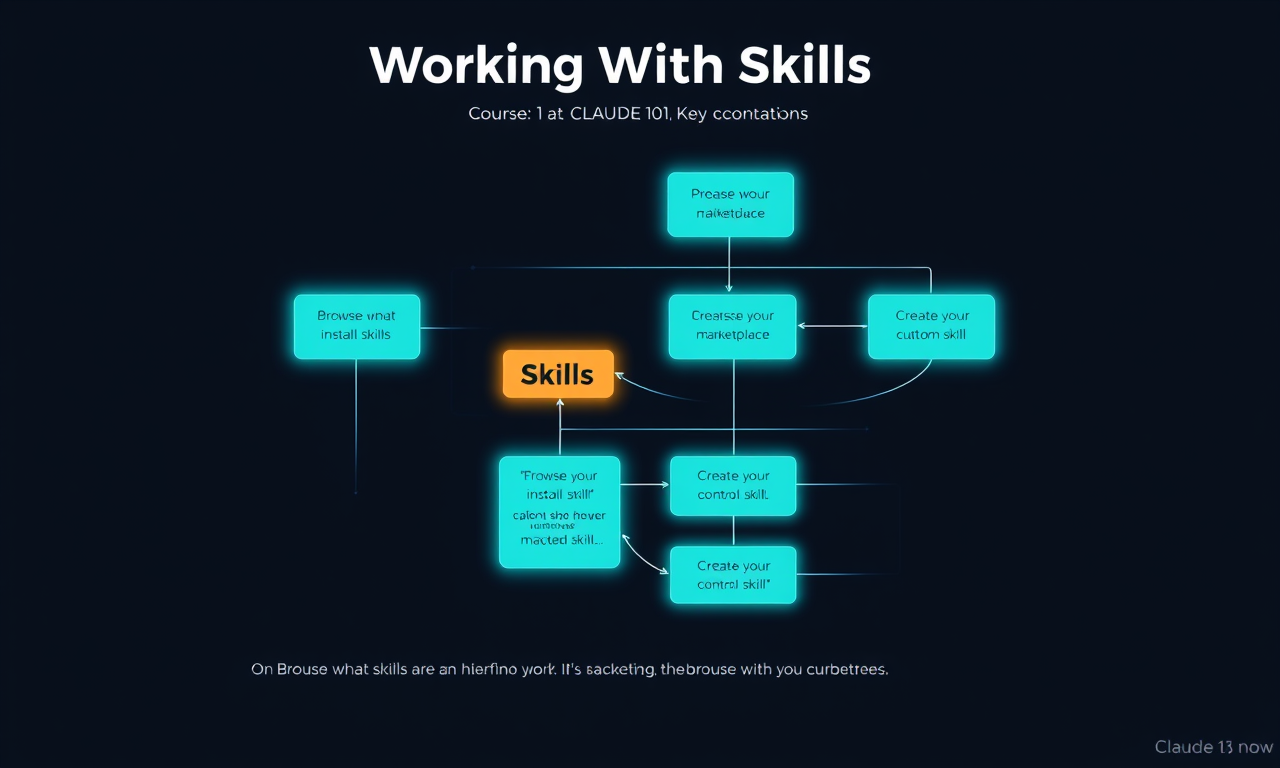
- Explain what skills are and how they work
- Browse and install skills from the marketplace
- Create your own custom skill
What are Skills?
Skills are pre-built instruction packages that teach Claude how to do a specific task in a consistent, repeatable way. Think of a skill as a saved workflow — you install it once, and then you can trigger it with a simple command whenever you need it.
Skills are built on top of Claude's natural language capabilities and Anthropic's Claude Code platform — they're a way to package up knowledge, instructions, and context so Claude can follow a consistent process for a repeated task.
Types of Skills
Marketplace skills: Pre-built skills from Anthropic and third parties, available in the Skills Marketplace. Examples include:
/commit— auto-generates commit messages from your staged changes/review— reviews your code and flags issues/summarize— summarizes a document in your preferred format
Custom skills: You can create your own skills to capture your unique workflows. Examples:
- "When I run /weekly-report, summarize my last 7 days of notes in the format: 3 wins, 3 blockers, 1 priority"
- "When I run /email-draft, write a professional email in my voice based on the bullet points I provide"
- "When I run /feedback-review, analyze the customer feedback I paste and return a prioritized list of issues"
Creating Skills
Skills are defined in Markdown files:
- Navigate to Settings → Skills
- Click "New skill" (or go to
.claude/skills/in your project) - Give it a name — this becomes the
/command - Write the instructions: describe the trigger, the task, the format
- Save and invoke it with
/skill-name
The Marketplace
Claude skills are available in the Skills Marketplace. The marketplace lets you:
- Browse pre-built skills across categories (coding, writing, analysis, etc.)
- Install a skill with one click and start using it immediately
- Share skills you've built with your team or organization
Browse at claude.ai/skills or via Settings → Skills Marketplace.
Skills on Projects
Skills work particularly well inside Projects:
- You can add specific skills to a Project so they're always available for that context
- Project-level skills stay activated for all conversations within that Project
Lesson reflection
Before moving on, consider:
- What recurring tasks could you turn into a skill?
- Which marketplace skills do you think would add the most value to your workflow?
- How would you describe a skill you'd want to build in one sentence (the trigger + the output)?