1 · 3/14
Getting better results
Diagram
3. Getting Better Results
Course: Claude 101 Estimated time: 13 minutes
Learning objectives
By the end of this lesson, you will be able to:
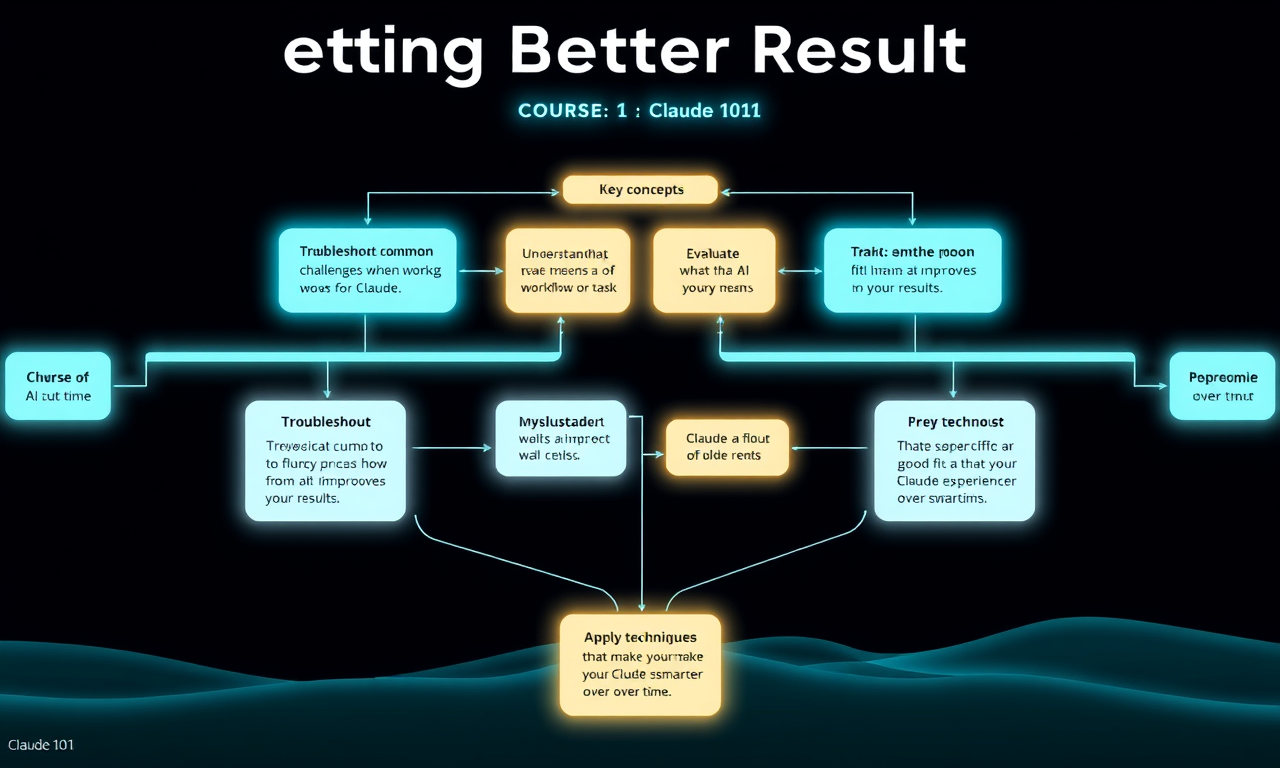
- Troubleshoot common challenges when working with Claude
- Understand what AI fluency means and how it improves your results
- Evaluate whether Claude is a good fit for a specific workflow or task
- Apply techniques that make your Claude experience smarter over time
Common challenges and how to fix them
| Challenge | Fix |
|---|---|
| Too generic | Add more details about audience, role, or constraints |
| Too long | Ask to "summarize in 3 bullet points" or "keep under 200 words" |
| Lacks nuance | Provide examples of what good looks like |
| Wrong tone | Specify the tone explicitly ("formal," "conversational," "direct") |
The frustration mindset
One of the most significant parts of effective Claude use is recognizing a response you don't like — then finding a better approach.
- First drafts are great starting points. Don't abandon Claude after one try; refine
- Going deeper — when Claude doesn't go deep enough in the first response, ask it to go deeper, add more examples, or consider more edge cases
- More context — it can help Claude if you provide additional context. Sharing relevant background
- Know when to start over — Sometimes, a new conversation is better than a convoluted one
What is AI Fluency?
AI fluency is the ability to collaborate effectively with Claude — mindset-oriented thinking related to using AI tools, but wrapping the knowledge mindset in four key skills:
- Delegation — knowing when and what to ask Claude for help with, identifying what kinds of tasks AI is good at vs. what it's bad at, and knowing your own strengths vs. Claude's strengths
- Description — giving Claude enough context to do what you want, in the format and style you want
- Discernment — critically evaluating Claude's outputs, knowing when it's good enough vs. needing editing
- Diligence — following up, iterating, and staying involved in the outputs (versus simply accepting the first thing Claude gives)
Evaluating Claude for your workflows
To evaluate whether Claude would be useful for a specific task:
- Trial and error — bring 5 to 10 examples of real work you already do and run them through Claude
- Find a match — ask yourself: "does Claude's output match the quality I'd need?"
- Add iteration — add one round of follow-up to your test to see if Claude can improve
A simple experiment:
- Choose one task you complete regularly (write emails, draft documents, compile research)
- Give Claude that task with your normal context
- Evaluate: could this replace a first draft? Could this save you time on the research stage?
A smarter experience over time
Claude gets smarter as it gets to know you. There are a few ways to build that context:
- Provide context in your system prompt or at the start of conversations
- Use Projects for ongoing work — Claude retains context across conversations in a Project
- Add instructions in your Project settings for persistent behavior
Lesson reflection
Before moving on, consider:
- What types of prompts frequently produce results you don't love?
- Which of the four AI Fluency competencies (Delegation, Description, Discernment, Diligence) do you feel least confident in?
- What's one task you could trial with Claude this week?