1 · 2/14
Your first conversation with Claude
Diagram
2. Your First Conversation with Claude
Course: Claude 101 Estimated time: 10 minutes
Learning objectives
By the end of this lesson, you will be able to:
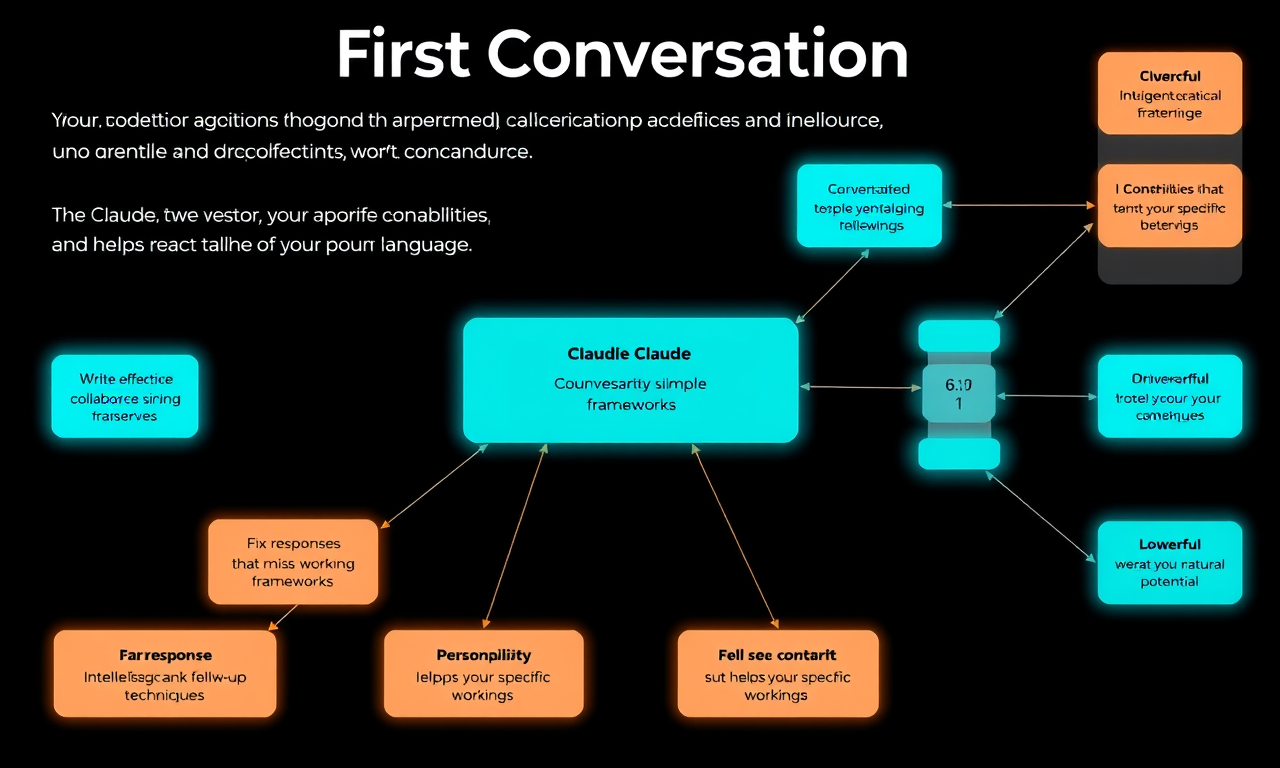
- Start a conversation with Claude and give the interface the attention it deserves
- Write effective prompts using simple frameworks
- Fix responses that miss the mark using follow-up techniques
- Personalize Claude to suit your specific working style
Key takeaways
- Claude is a powerful, intelligent collaborator that amplifies your capabilities and helps you reach more of your potential. You can talk to Claude in natural language.
- Before you start a conversation with Claude, consider writing the stage-setting prelude. By addressing the stage (context), defining the task, and specifying rules (format and style), you give Claude what it needs to produce exactly what you're looking for.
- Follow-up non-conversation with Claude is essential. Achieving the right output from Claude often requires multiple exchanges.
- There are a few different techniques for providing Claude with better data (e.g., "Improve that," "Make it more formal," "Summarize the key points").
- The real power of Claude comes with a consistent and frequent collaboration practice.
Writing effective prompts
AI fluency encompasses four competencies: Delegation, Description, Discernment, and Diligence.
Three things make up an effective prompt:
- Setting the stage — Tell Claude the context (who you are, why you're asking)
- Defining the task — Be specific about what you want Claude to do
- Specifying rules — Tell Claude the format, style, length, constraints
Fixing responses
When Claude gives you something that misses the mark, try:
- Nudging the stage: "Think of this as me writing a new pitch deck. It's more sales-oriented with more details, examples, competitors, and approaches."
- Diligence thinking: Before sending a prompt, step back and think about what would make a great response. Specify that "before answering, think step by step."
- Adding Delegation: Specifying that Claude should take ownership. For example, for research, specifying Claude to find and analyze information, not just gather information, etc.
- Add content: Add examples of what you'd like Claude to produce
Personalizing Claude
There are settings you can customize for your Claude conversations — just as preferences you can set and have Claude feel less scripted and more natural. The more you let Claude know about you — one job at a time, one preference at a time — the better Claude will get to know you.
Put it into practice
Before starting a conversation, try it out with 5 to 10 prompts in a row. Don't settle for the first response you get.
Lesson reflection
Before moving on, consider:
- How might you use "setting the stage" differently for work vs. personal tasks?
- What follow-up techniques are you most likely to use when a response isn't quite right?
- How would you describe your ideal working style to Claude as a personalization?