AI As A Learning Partner
AI Fluency for students
Anthropic
  Open in Claude


                Estimated time: 55 minutes
What you'll learn
By the end of this lesson you'll be able to:
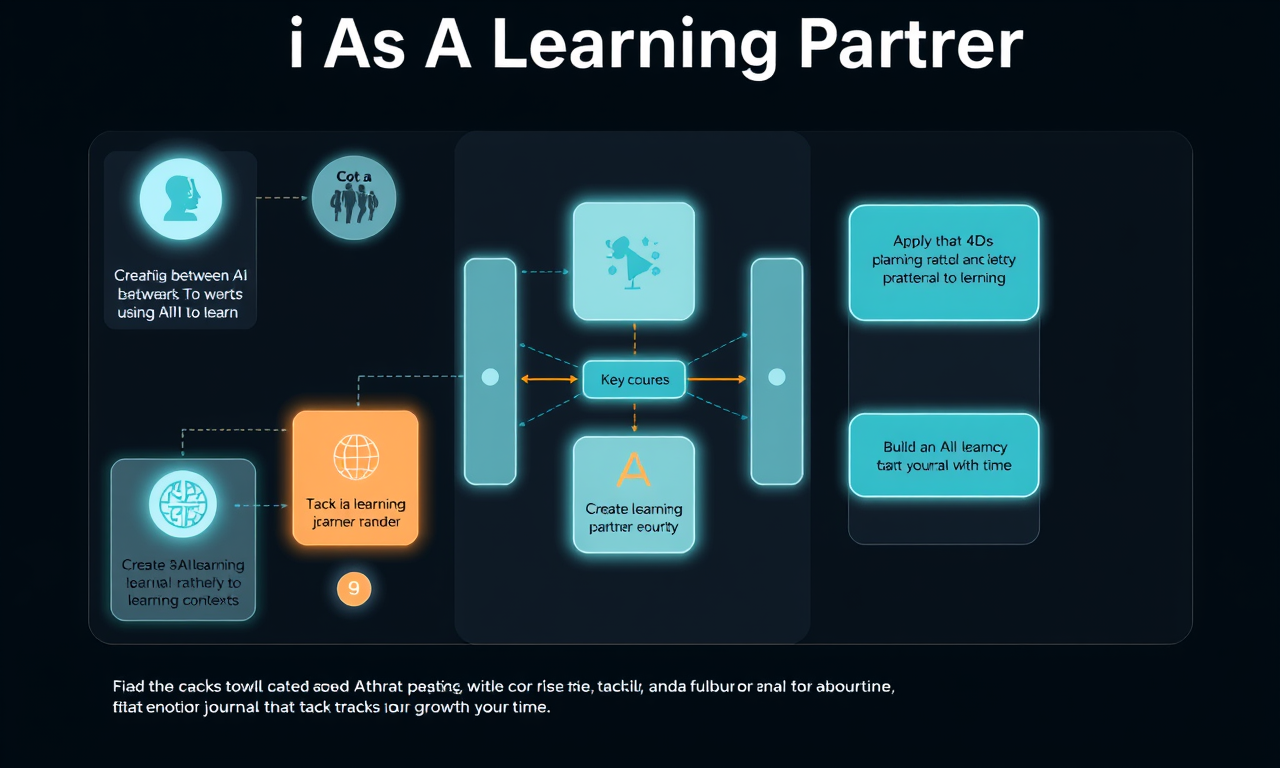
- Distinguish between using AI to do work versus using AI to learn
- Apply the 4Ds specifically to learning contexts
- Create an AI learning partner that enhances rather than replaces learning
- Build a living learning journal that tracks your growth over time
AI as a learning partner
This video explores the crucial difference between using AI to do work for you versus using AI to actually learn. It walks through each of the 4Ds in a learning context: Delegation means maintaining problem awareness about what you're trying to learn and choosing AI systems designed for education; Description involves steering AI to act as a tutor or coach rather than an answer-giver; Discernment requires honestly evaluating whether you're truly learning or just along for the ride; and Diligence means following academic policies while maintaining the ability to explain and stand behind all your work. The video emphasizes that genuine learning with AI takes more effort than shortcuts but builds real understanding and skills that will serve you in exams, interviews, and your career.
Key takeaways
- We should seek to use AI in ways that strengthen our knowledge and critical thinking skills, not weaken them.
- Effective learning with AI means staying in the driver's seat while AI challenges and supports you
- AI should act as a coach or tutor, not a substitute player
- You must be able to explain and apply everything you submit, even if AI helped
- The harder path of genuine learning with AI leads to real capability and confidence
Exercises
This exercise helps you create two powerful learning tools: an AI study buddy configured for your needs, and a living learning journal that tracks your growth.
Part 1: Configuring your AI learning partner (15-30 minutes)
Start a new conversation with Claude (or your preferred AI assistant), or continue from Lesson 1:
Setting up your learning partner:
- If starting fresh, share your learning context document from Lesson 1
- Share the video transcripts from lesson 1 and lesson 2 to help the AI understand AI Fluency and the approach you are taking
- Explain that you want to configure the AI as a study buddy for ongoing use
- Specify that you want help learning, not completing assignments
Establishing the learning partner's role: Work with the AI to define how it should help you learn:
- Ask it to always start by understanding what you're trying to learn before helping
- Request that it asks you questions rather than giving direct answers
- Have it check your understanding before moving to new concepts
- Ask it to provide practice problems that build on what you're studying
- Request that it points out connections to things you've learned before
Creating your study protocols: Develop specific approaches for different learning needs, for example:
- For problem-solving: "Guide me with hints and questions, don't solve it for me"
- For concept review: "Test my understanding with progressively harder questions"
- For exam prep: "Quiz me and explain why wrong answers are wrong (and why correct answers are correct)"
- For writing: "Help me develop my own arguments through questioning"
- For reading comprehension: "Ask me to explain key concepts in my own words"
- For general planning: "Gather information from me about my various commitments so I can effectively plan out coursework and other activities I need to complete/attend"
- For specific assignment planning: "Help me test my understanding of this assignment brief so I am sure I understand what is expected of me"
Testing your learning partner:
- Try a real example from your current coursework
- See if the AI maintains its tutoring role or slips into just giving answers
- Adjust the instructions if needed
- Save the configuration instructions as a conversation guide for future use
Part 2: Creating your living learning journal (15-30 minutes)
Start a fresh conversation to set up a learning journal system, as you will want to come back to it regularly. Start by sharing your learning context document from Lesson 1, and the video transcripts from lesson 1 and lesson 2. Explain that you want to create an ongoing conversation to act as a living learning journal.
Designing your journal structure: Work with the AI to create a template for regular learning reflections:
- What concepts did I work on this week?
- What clicked for me and what's still fuzzy?
- How did I use AI to help me learn (not just complete tasks)?
- What study strategies worked well?
- What do I need to review or practice more?
- One specific skill or understanding I developed
Setting up your tracking system:
- Decide on frequency (weekly is recommended)
- Create a format that's easy to maintain
- Include space for noting when AI helped versus independent work
- Add a section for "aha moments" and breakthroughs
- Plan for monthly synthesis entries that identify patterns
Creating your first entry:
- Reflect on your learning from the past week
- Document one specific example of using AI as a learning partner
- Note what you learned versus what you just completed
- Identify areas where you need more practice
- Set a learning goal for next week
Building accountability:
- Ask the AI to help you create reflection prompts
- Set reminders to update your journal
- Plan to review entries before exams to see your progress
- Consider sharing insights with study groups or advisors
Lesson reflection
After setting up both tools, ask yourself:
- How were these exercises different from other AI interactions you have had in the past?
What's next
Now that you have your AI learning partner and journal set up, the next lesson will show you how to apply these same principles to career development. You'll learn to use AI strategically for job searching, interview prep, and professional growth while maintaining your authentic voice.
Feedback
As you progress through the course, we'd love to hear from you about how you are using concepts from the course in your life, work, or classes and any feedback you may have. Share your feedback here.
Acknowledgements
Copyright 2025 Rick Dakan, Joseph Feller, and Anthropic. Released under the CC BY-NC-SA 4.0 license. This course is based on The AI Fluency Framework by Dakan and Feller.Supported in part by the Higher Education Authority, Ireland, through the National Forum for the Enhancement of Teaching and Learning.
                        #### Downloads

                        - AIF4S_TRANSCRIPT_03_LEARNING.txt