Applying AI Fluency To Course Design And Learning Outcomes
AI Fluency for educators
Anthropic
  Open in Claude


                Estimated Time: 60 minutes
What you'll learn
By the end of this lesson you'll be able to:
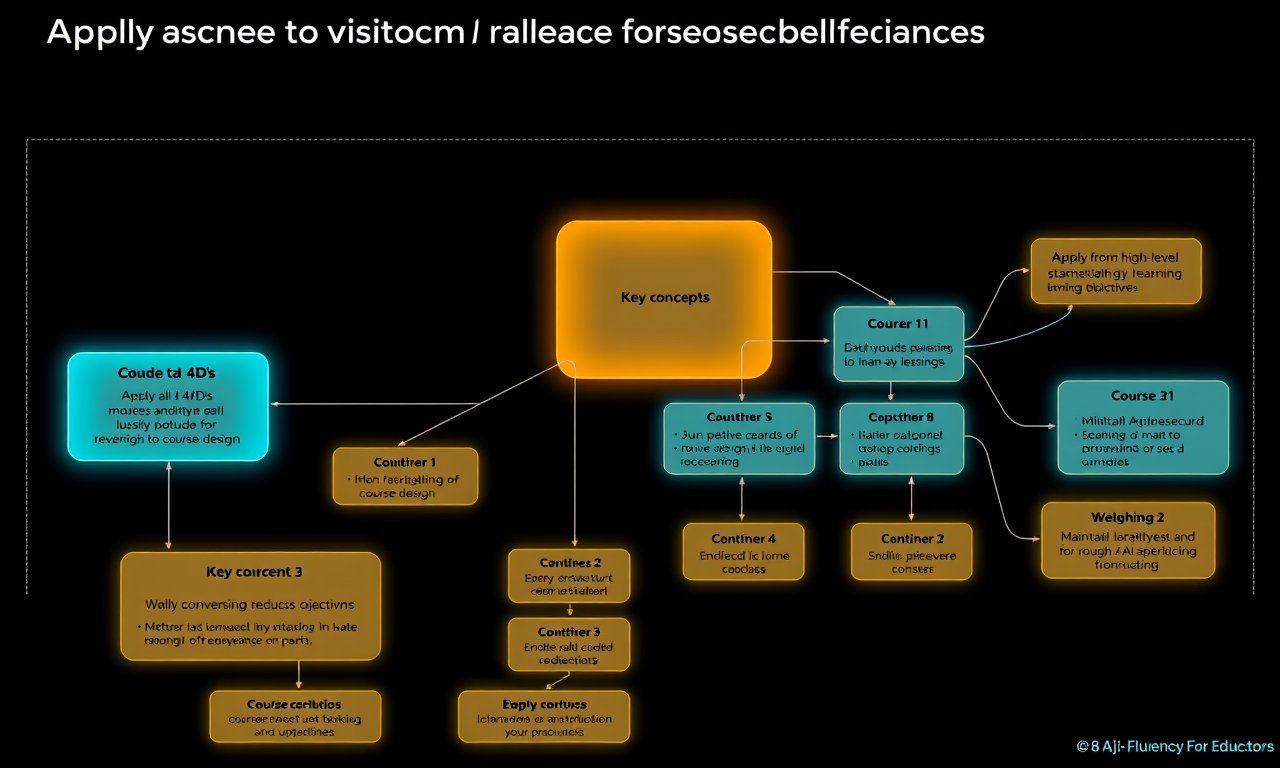
- Apply all 4Ds systematically to course design
- Move from high-level planning to specific learning objectives
- Build coherent course structures through AI collaboration
- Maintain pedagogical integrity while leveraging AI capabilities
Applying AI Fluency to course design and learning outcomes
(10 minutes)
This video demonstrates how to apply the AI Fluency Framework to course and lesson design. We explore how building rich, shared context transforms AI from a generic assistant into a collaborative partner who understands your specific teaching situation. The video walks through applying each of the 4Ds to three fundamental course design tasks: identifying essential content and concepts, mapping the learning journey, and articulating learning objectives. We show how Delegation involves understanding what you're trying to accomplish and why before deciding how to collaborate. Description means inviting AI into your specific problem space with rich context. Discernment involves evaluating suggestions against your expertise and explaining why things work or don't for your students. Diligence means maintaining responsibility while documenting your collaborative process. The video emphasizes that this isn't about outsourcing decisions but about creating genuine cognitive partnership.
Key takeaways
- Context-building transforms generic AI into a teaching and thinking partner who understands your approach, vision and needs
- Each of the 4Ds plays a specific role in course design collaboration
- The goal is enhancement, not just efficiency. We want better teaching and learning, not just faster planning
- Your pedagogical and subject matter expertise guides the entire process
Exercises
Exercise: Complete Course Design Workflow (50 minutes)
Re-using your Teaching Context document from Lesson 1 as part of your initial prompt, work through a partial/full course (re)design process. You can also share this course's video transcripts with your AI partner (see Lesson resources).
Stage 1: Planning Your Approach
Before starting with AI, clarify for yourself:
- Which course or unit are you designing or redesigning?
- What work needs to be done? (content selection, sequencing, objectives, etc.)
- What aspects require your expertise vs. where might AI help?
Stage 2: Initiating Collaboration
Starting the conversation:
- Begin a new conversation with Claude or an AI assistant of your choice
- Share your Teaching Context document from Lesson 1
- Explain which course you're working on and what you're trying to accomplish
Making your description rich:
- Don't just name the course—explain the specific challenges
- Share what makes this course unique (student needs, prerequisites, outcomes)
- Describe your vision for what success looks like
- Explain your delegation thinking—what you want to collaborate on and why
Setting up the partnership:
- Invite the AI to ask clarifying questions
- Share any constraints (time, resources, institutional requirements)
- Indicate whether you're starting fresh or revising existing material
Stage 3: Build the conversation through Description & Discernment
Work through relevant course elements, applying Discernment throughout and revising your Description though ongoing conversation:
Content Identification:
- Ask the AI to suggest topics and concepts based on your context
- For each suggestion, evaluate: Does this serve YOUR students?
- Always explain your reasoning back to the AI—why something works or doesn't
- Build on good ideas, redirect weak ones
Learning Journey Mapping:
- Work together to sequence 3-4 class sessions
- Ask the AI to take on your students' perspective at transition points
- Explore: "What might confuse students here?" "What scaffolding is needed?"
- Discuss how each session builds on the previous one
Learning Objectives:
- Transform your content map into specific, measurable objectives
- Check alignment with your institutional requirements
- Ensure objectives ladder up to broader course goals
- Have the AI help you spot gaps or redundancies
Stage 4: Documentation & Reflection
- Verify for accuracy, citations, etc.
- Document key decisions and your reasoning
- Note which AI suggestions you rejected and why
- Create a brief statement about AI's role in your planning
- Consider how you might share this process with students or colleagues
What's next
In the next lesson, we'll explore creating learning materials and assignments with AI. You'll discover how the context you've built makes material creation more coherent and effective, from lecture slides to assessments, while addressing the challenge of maintaining academic integrity when students also have access to AI.
Feedback
As you progress through the course, we'd love to hear from you about how you are using concepts from the course in your life, work, or classes and any feedback you may have. Share your feedback here.
Acknowledgements
Copyright 2025 Rick Dakan, Joseph Feller, and Anthropic. Released under the CC BY-NC-SA 4.0 license. This course is based on The AI Fluency Framework by Dakan and Feller.Supported in part by the Higher Education Authority, Ireland, through the National Forum for the Enhancement of Teaching and Learning.
                        #### Downloads

                        - AIF4E_TRANSCRIPT_03_COURSE.txt