What Are Skills
Introduction to agent skills
What are skills?
What you'll learn
Estimated time: 15 minutes
By the end of this lesson you'll be able to:
- Define what Claude Code skills are and how they work
- Explain where skills live (personal vs. project directories)
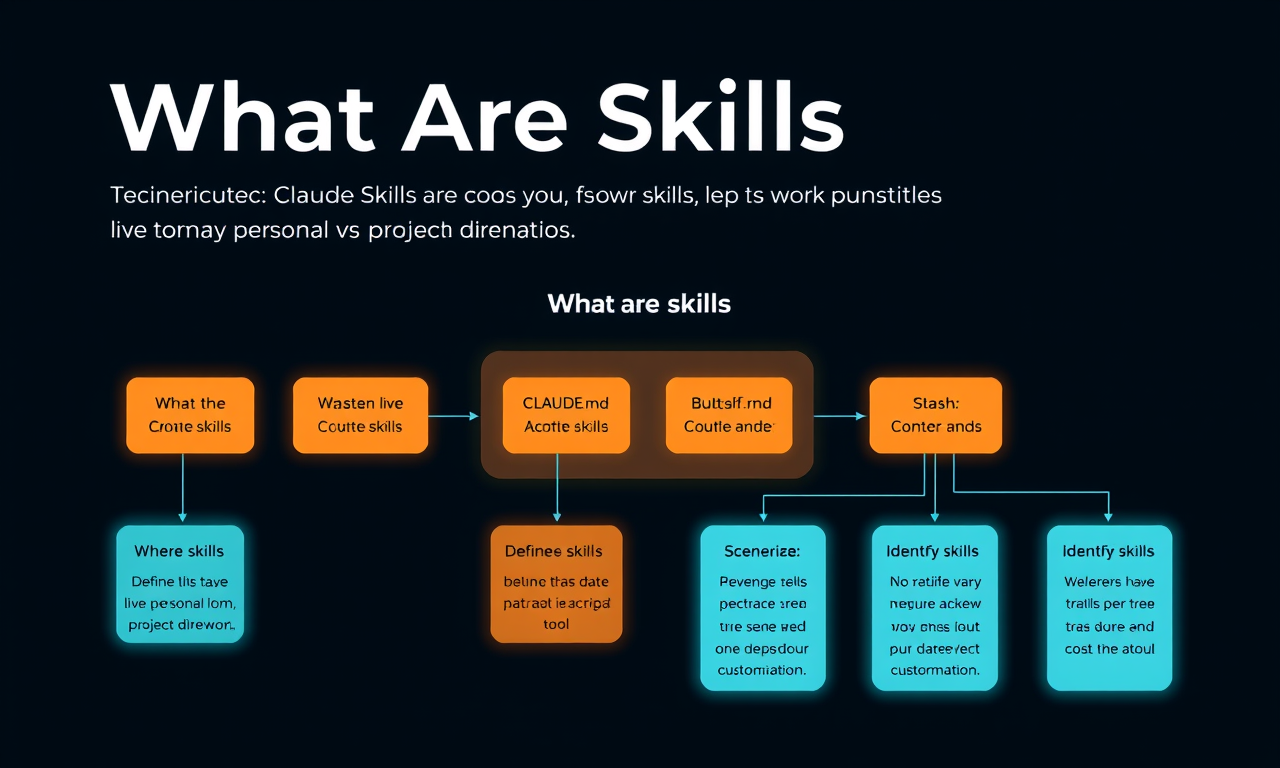
- Distinguish between skills, CLAUDE.md, and slash commands
- Identify scenarios where skills are the right customization tool
What are skills?
(3 minutes)
This video introduces skills — reusable markdown files that teach Claude Code how to handle specific tasks automatically. Instead of repeating instructions every time you ask Claude to review a PR or write a commit message, you write a skill once and Claude applies it whenever the task comes up. The video covers what skills are, where they live, and how they compare to other Claude Code customization options.
Key takeaways
- Skills are folders of instructions that Claude Code can discover and use to handle tasks more accurately. Each skill lives in a SKILL.md file with a name and description in its frontmatter
- Claude uses the description to match skills to requests. When you ask Claude to do something, it compares your request against available skill descriptions and activates the ones that match
- Personal skills go in ~/.claude/skills and follow you across all projects. Project skills go in .claude/skills inside a repository and are shared with anyone who clones it
- Skills load on demand — unlike CLAUDE.md (which loads into every conversation) or slash commands (which require explicit invocation), skills activate automatically when Claude recognizes the situation
- If you find yourself explaining the same thing to Claude repeatedly, that's a skill waiting to be written
Every time you explain your team's coding standards to Claude, you're repeating yourself. Every PR review, you re-describe how you want feedback structured. Every commit message, you remind Claude of your preferred format. Skills fix this.
A skill is a markdown file that teaches Claude how to do something once. Claude then applies that knowledge automatically whenever it's relevant.
What Skills Are
Skills are folders of instructions and resources that Claude Code can discover and use to handle tasks more accurately. Each skill lives in a SKILL.md file with a name and description in its frontmatter.
The description is how Claude decides whether to use the skill. When you ask Claude to review a PR, it matches your request against available skill descriptions and finds the relevant one. Claude reads your request, compares it to all available skill descriptions, and activates the ones that match.
Here's what a skill's frontmatter looks like:
---
name: pr-review
description: Reviews pull requests for code quality. Use when reviewing PRs or checking code changes.
---
Below the frontmatter, you write the actual instructions — your review checklist, formatting preferences, or whatever Claude needs to know for that task.
Where Skills Live
You can store skills in different places depending on who needs them:
- Personal skills go in ~/.claude/skills (your home directory). These follow you across all your projects — your commit message style, your documentation format, how you like code explained.
- Project skills go in .claude/skills inside the root directory of your repository. Anyone who clones the repo gets these skills automatically. This is where team standards live, like your company's brand guidelines, preferred fonts, and colors for web design.
On Windows, personal skills live in C:/Users/<your-user>/.claude/skills.
Project skills get committed to version control alongside your code, so the whole team shares them.
Skills vs. CLAUDE.md vs. Slash Commands
Claude Code has several ways to customize behavior. Skills are unique because they're automatic and task-specific. Here's how they compare:
- CLAUDE.md files load into every conversation. If you want Claude to always use TypeScript's strict mode, that goes in CLAUDE.md.
- Skills load on demand when they match your request. Claude only loads the name and description initially, so they don't fill up your entire context window. Your PR review checklist doesn't need to be in context when you're debugging — it loads when you actually ask for a review.
- Slash commands require you to explicitly type them. Skills don't. Claude applies them when it recognizes the situation.
When Claude matches a skill to your request, you'll see it load in the terminal:
When to Use Skills
Skills work best for specialized knowledge that applies to specific tasks:
- Code review standards your team follows
- Commit message formats you prefer
- Brand guidelines for your organization
- Documentation templates for specific types of docs
- Debugging checklists for particular frameworks
The rule of thumb is simple: if you find yourself explaining the same thing to Claude repeatedly, that's a skill waiting to be written.
Lesson reflection
- Think about your most recent interactions with Claude Code. Which instructions did you find yourself repeating? How might a skill have saved you time?
- Consider your team's workflow. Which standards or processes would benefit most from being encoded as skills?
What's next
In the next lesson, you'll create your first skill from scratch and learn how Claude Code discovers, matches, and loads skills behind the scenes.
Feedback
As you progress through the course, we'd love to hear how you're using skills in your work, plus any feedback you may have. Share your feedback here.