4 · 4/21
Claude Code Setup
Diagram
Claude Code in Action
Claude Code setup
    Anthropic


  Open in Claude


                Time to get Claude Code set up locally!
Full setup directions can be found here: https://code.claude.com/docs/en/quickstart
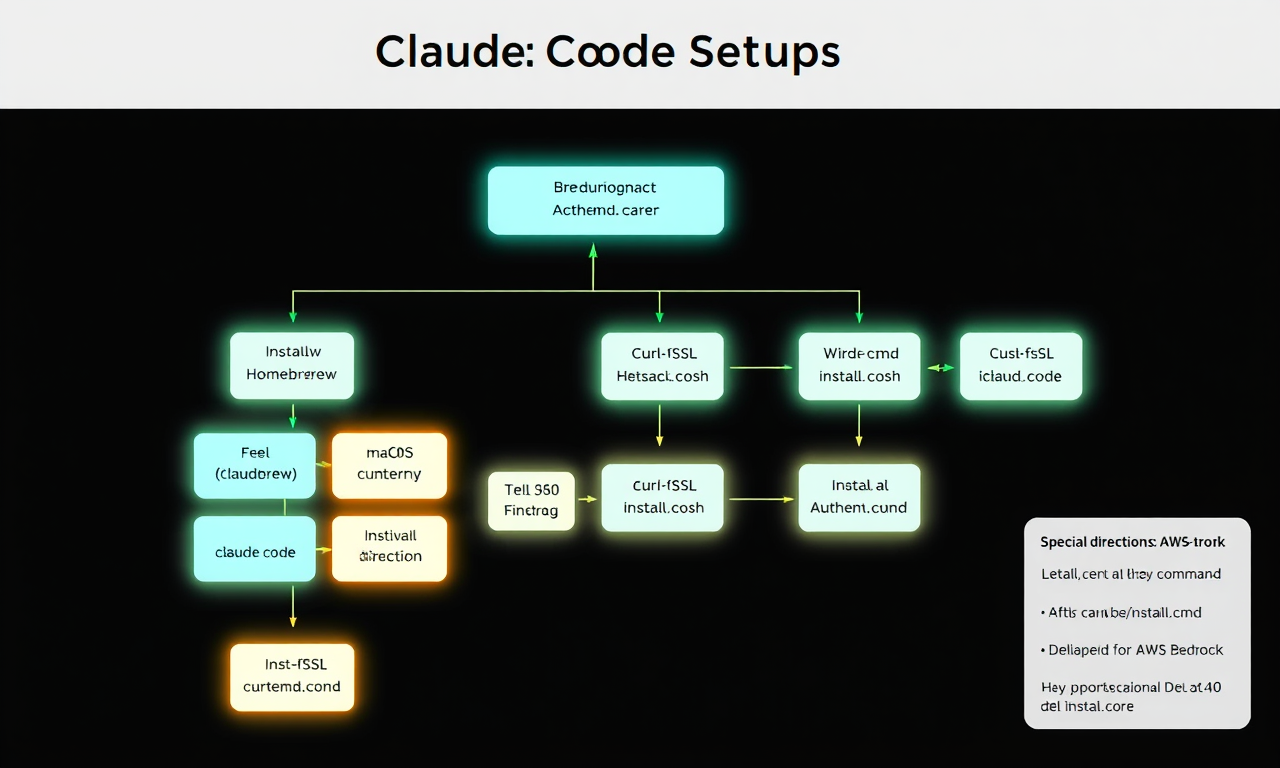
In short, you'll need to do the following:
- Install Claude Code MacOS (Homebrew): brew install --cask claude-code MacOS, Linux, WSL: curl -fsSL https://claude.ai/install.sh | bash Windows CMD: curl -fsSL https://claude.ai/install.cmd -o install.cmd && install.cmd && del install.cmd
- After installation, run claude at your terminal. The first time you run this command you will be prompted to authenticate
If you're making use of AWS Bedrock or Google Cloud Vertex, there is some additional setup:
- Special directions for AWS Bedrock: https://code.claude.com/docs/en/amazon-bedrock
- Special directions for Google Cloud Vertex: https://code.claude.com/docs/en/google-vertex-ai