How Claude Code works
2. How Claude Code Works
Course: Claude Code 101
Notes
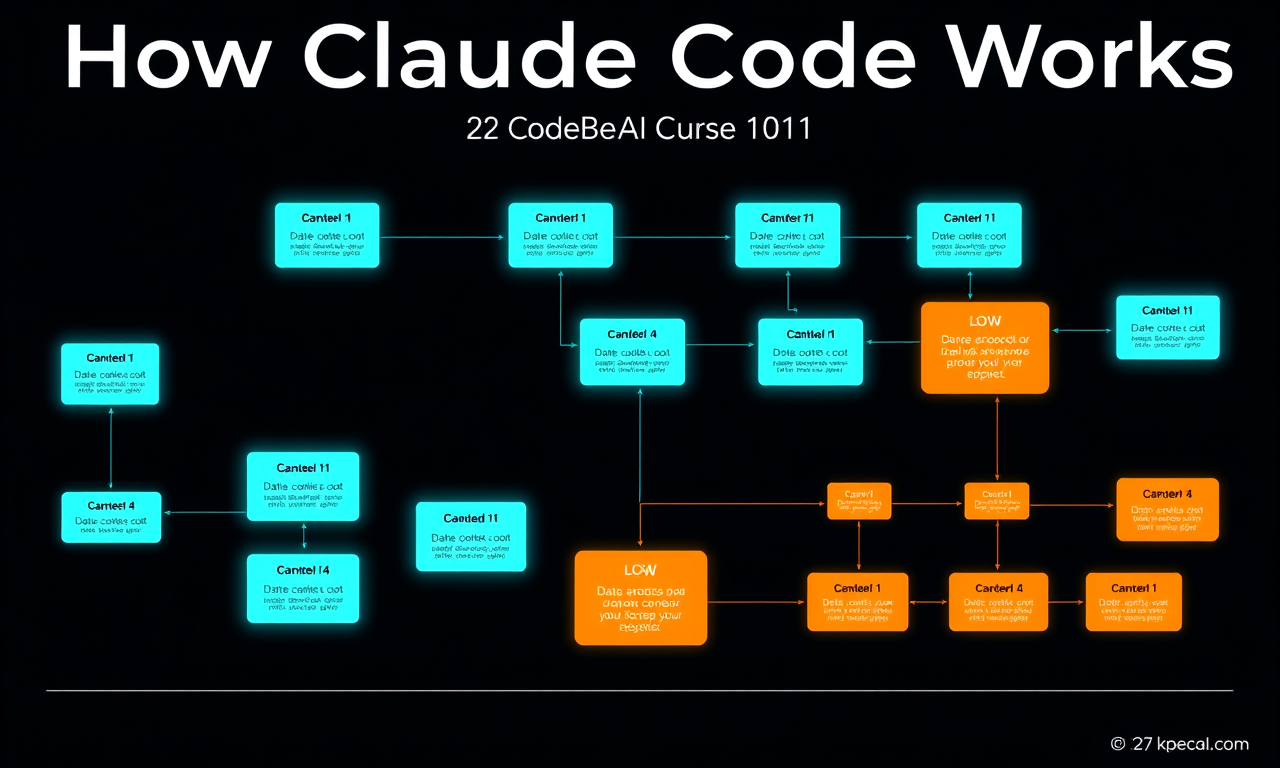
The Agentic Loop Claude Code is best understood through its agentic loop:
- You enter a prompt into Claude Code
- Claude gathers the context it needs by interacting with the model, which returns text or a tool call
- It takes action (e.g. editing a file)
- It verifies whether the action achieved what your prompt set out to do
- If yes, Claude finishes and waits for the next prompt. If not, it loops back and tries again until the results are complete and verifiable
Context Claude has a context window that determines how much of your conversation, file contents, command outputs, and more it can store and reference. Once you reach the limit, Claude Code compacts your conversation — automatically determining what it can remove or summarize to bring the context within limits.
Tools Tools are the backbone of how agents work. Most AI assistants simply take text in and return text out. Tools let Claude Code determine when to execute code to get closer to completing a task — file-reading tools, web search tools, or any number of other capabilities. Claude Code uses semantic understanding to determine when to call a tool and how to use the output.
Permissions Claude Code has several permission modes:
- Default behavior — Claude asks for explicit permission before editing a file or running a shell command
- Auto-accept — files are edited without asking, but commands still require approval
- Plan mode — uses read-only tools to compile a plan of action before starting any work
Recap: Claude Code combines several agentic concepts: an agentic loop, a managed context window, tools, and configurable permissions — all inside your terminal. That's what makes it fundamentally different from a chat window.