1 · 10/14
Research mode for deep dives
Diagram
10. Research Mode for Deep Dives
Course: Claude 101 Estimated time: 7 minutes
Learning objectives
By the end of this lesson, you will be able to:
- Describe Research mode and when to use it vs. a standard Claude search
- Conduct multi-source, multi-step investigations using Research mode
- Manage your research appropriately through effective prompting
Understanding the key capability
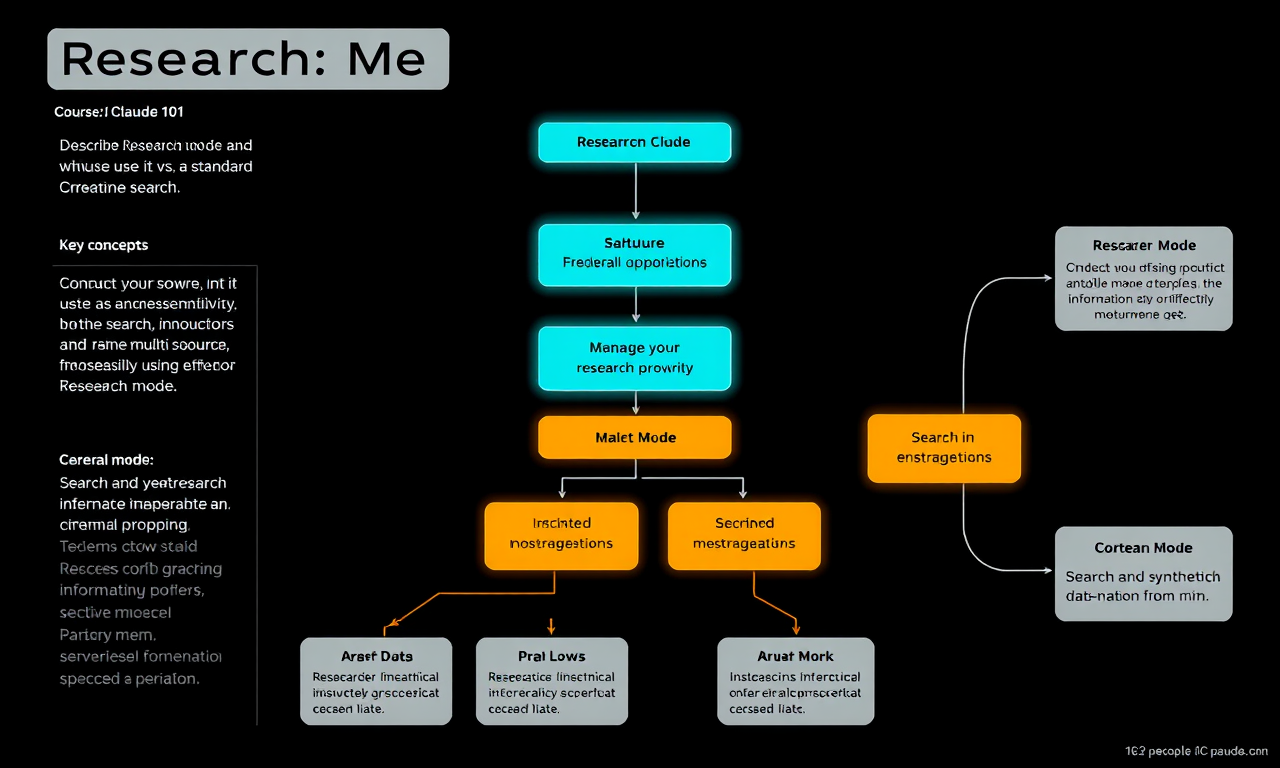
Claude with Research mode: Understanding how Research mode can initiate a comprehensive research conversation with Claude that spans multiple sources, taking a synthesized approach.
Research mode is Claude's capability for deep, systematic research that can:
- Search and synthesize information from multiple sources simultaneously
- Run queries continuously to collect information
- Tackle complex research that typically requires hours of manual work
- Gather high-signal information to investigate specific topics with structured analysis
What is Research?
Research mode can complete any task that would typically require:
- Tracking down multiple sources and synthesizing them manually
- You can quickly, greatly guide this the more information Claude has about your needs
Why use Research?
- Comprehensive coverage — Research mode searches hundreds of sources to find the most relevant information
- Time savings — Instead of spending hours gathering information, you can focus on analysis
- Through investigation — Research mode can plan and execute multiple follow-up searches automatically
- Synthesis of findings — The result is a structured report, not just a list of links
How Research mode works
- Turn on Research mode by clicking the globe icon in the chat interface or selecting it from the tool options
- Claude establishes an approach by formulating multiple research questions
- Claude runs sequential searches — gathering information, then running follow-up searches based on what it learns
- Claude synthesizes findings into a structured output
Using Research responsibly
Research mode is powerful, but like any research tool, its findings should be reviewed:
- Verify claims — Claude will cite sources, but it's good practice to verify claims that are critical to your work
- Check publication dates — Research mode searches the web, but some information may be out of date
- Triangulate important findings — If something is critical, verify it through a second source
Thinking about investigation topics
Start with a clear objective:
- Too vague: "Tell me about market trends"
- Better: "Research the top 3 emerging trends in B2B SaaS pricing models in 2024, focusing on usage-based pricing adoption and examples from companies with $10M-$100M ARR"
The more specific your objective, the more targeted and useful Research mode's output will be.
Lesson reflection
Before moving on, consider:
- What is a single complex research task you currently find tedious or time-consuming?
- How might Research mode change how you approach competitive analysis, industry monitoring, or sourcing information?
- What level of verification would you apply before sharing Research mode output with colleagues?