Working Memory
AI Capabilities and Limitations
What you'll learn
Estimated time: 30 minutes
By the end of this lesson you'll be able to:
- Explain the context window as a fixed-size container and what that implies for long documents, long conversations, and cross-session memory
- Recognize the "cliff" nature of this property compared to the gradual degradation of others
- Apply context-as-leverage strategies: front-loading important material, chunking long work, re-supplying critical context
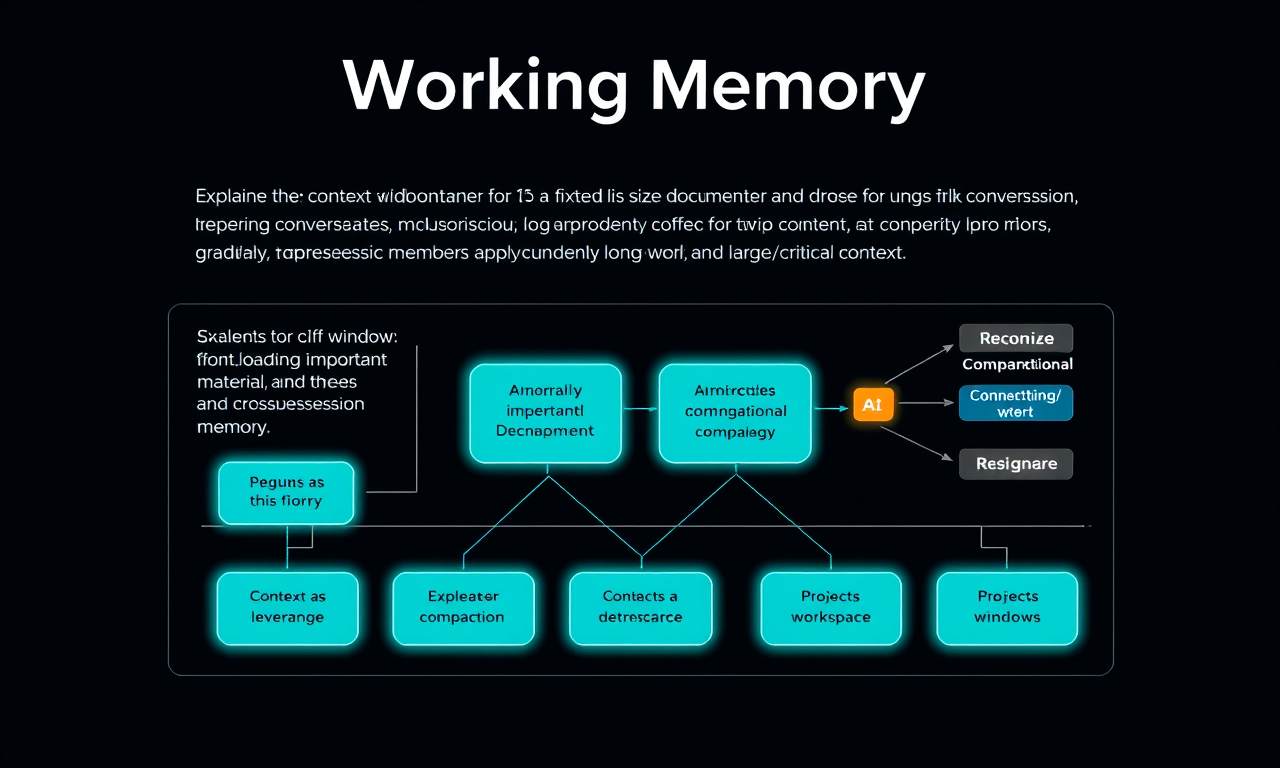
- Recognize memory, compaction, projects/workspaces, and larger windows as product features addressing this limitation
The context window: AI's working memory
Before you read
Where do you think "review a 50-page contract" sits on the Working Memory continuum? Drag the marker below, then lock in your guess.
Capability
Limitation


  Your task


  Material fits comfortably, session is current, you supply relevant context
  Very long docs/conversations, expecting cross-session continuity (the cliff)


    What this enables

  - Rapid in-session adaptation (style guides, samples apply immediately)
-
Works with your material: your docs, your constraints
-
Precision through specificity. Context is leverage.
Where it characteristically fails - Hard length limits: silent truncation when exceeded -
Lost in the middle: attention isn’t uniform across the window
-
No persistent memory by default: each session starts from zero
-
No learning from you: corrections don’t change the model, only the context
Product features that push the edge out - Memory: persists facts across sessions -
Compaction / summarization: condenses old turns to free room
-
Projects / workspaces: standing docs reliably in context
-
Skills: minimize context use until needed
-
Larger context windows: push the cliff further out
Drag the marker to place your guess for "review a 50-page contract". The panel that lights up tells you what to watch for.
Lock in my guess
.content-fade
Edit mode panel
Everything the AI is paying attention to lives inside one fixed-size workspace: the context window. Your instructions, uploaded documents, prior responses, the back-and-forth conversation—all of it sits in one finite container that the model reads start to finish every time it generates a response. When a conversation or document set exceeds what the window can hold, something falls off—usually the oldest material, and usually silently. The model doesn't announce that it dropped your first three messages; it just keeps going with whatever's left. By default, the window empties between sessions too: close a chat, open a new one tomorrow, and you're starting from zero unless a product feature has deliberately carried something forward. Unlike the other three properties, this one has a cliff rather than a gradient. Next Token Prediction degrades gradually; Knowledge thins gradually; Working Memory tends to work right up until it doesn't, and you won't always get a warning.
While you're inside the capability zone, context is genuine leverage—upload a style guide and the model adapts immediately, no retraining required. But attention isn't uniform across the window: research has found a "lost in the middle" effect where material buried deep in long input carries less weight than material at the beginning or end. Products layer features on top of the raw window to soften these edges:
- Memory saves selected facts across sessions so you're not starting from zero every time.
- Compaction condenses conversation history to free up room when a chat runs long.
- Projects and workspaces keep standing documents reliably in context without re-uploading.
- Larger context windows push the cliff further out.
Your own techniques matter too: lead with what matters in long documents, chunk big work into passes rather than one giant upload, and if quality degrades over a long conversation, start fresh with a short summary of where you were—that slippage is often a context limit, not a capability limit.
Key takeaways
- Working Memory is the fact that the AI model has a fixed context window that it can attend to. Capability zone: your material fits comfortably, the session is current, you're supplying relevant context. Limitation zone: very long documents or conversations, expecting continuity across sessions, burying critical info in the middle of long input. This property has a cliff rather than a gradient. Silent truncation is the failure mode, and you won't always be warned. The model doesn't learn from your corrections. It only responds to what's currently in context. Memory features, compaction, projects, larger windows, and multi-agent workflows all exist to push this cliff further out.
- 4D connection: Working Memory is what Description acts on. Knowing how the window works tells you how to structure context, when to front-load, and when to start fresh.
Exercises
Exercise: The Before-and-After
Why? Context is leverage. The same task, with the right context supplied, can go from a mediocre first draft to something genuinely useful. This exercise makes that concrete.
Pick a task from your Lesson 1 list that benefits from context only you hold: a style guide, a past example of good work, a set of constraints specific to your role or audience. Write down in two or three lines what "good" looks like for this task's output, described clearly enough that a stranger could evaluate it.
Now run three probes:
- Probe 1: Cold start vs. context. Ask for your task with zero context. Just the bare request. Save the output. Then start a fresh conversation and run the same task, this time supplying your style guide, past example, or constraints upfront. Compare both outputs against your "good" definition. Measure the gap.
- Probe 2: Lost in the middle. Take a longer document (or paste together a few paragraphs of reference material). Bury one specific, important instruction in the middle of it. Ask a question whose correct answer depends on that buried instruction. Did the AI catch it? Now move that instruction to the very top and ask again. Compare.
- Probe 3: The blank slate. Have a short exchange where you teach the AI something specific about your work context, or correct it on something it got wrong. Then open a brand-new conversation and ask a question that assumes it remembers what you taught it. Watch it start from zero.
Go back to your task list and add a third annotation: which tasks need standing context set up (a project, saved instructions, uploaded reference docs) to be worth running, and which work fine cold?
Stretch goal: If your tool has memory or project features, set one up with the context from Probe 1. Run the task again. Compare effort and quality against the cold-start version.
Lesson reflection
- How much did front-loading context change output quality? Was the gap bigger than you expected?
- What's one piece of standing context you'll set up this week to stop re-explaining yourself?
What's next
The final property: Steerability. How much are you actually in control when you give instructions, and where does that control break down?
Feedback
As you progress through the course, we'd love to hear from you about how you are using concepts from the course in your work, plus any feedback you may have. Share your feedback here.
Acknowledgments and license
Copyright 2026 Anthropic. Original work building on the AI Fluency Framework developed by Prof. Rick Dakan (Ringling College of Art and Design) and Prof. Joseph Feller (University College Cork). Released under the CC BY-NC-SA 4.0 license.